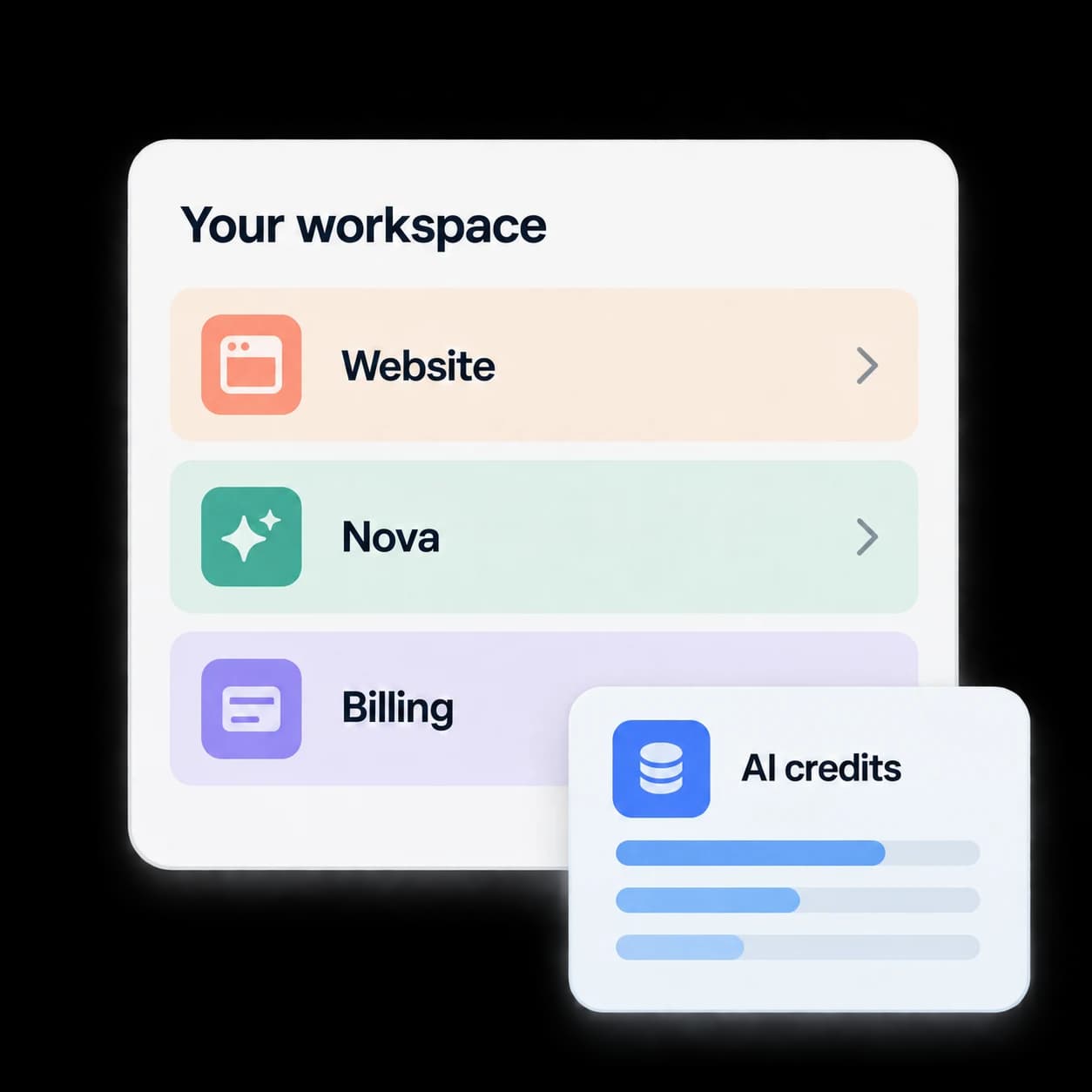
Your account connects it.
A shared business account links sign-in, roles, and product access. Your plan unlocks capabilities; your credit wallet supports enabled AI usage.
Rocket Launch Hub
Your website, your assistant, your account. One workspace to manage the connections that keep your business moving.
For Rocket Launch customers · Access follows your plan and setup
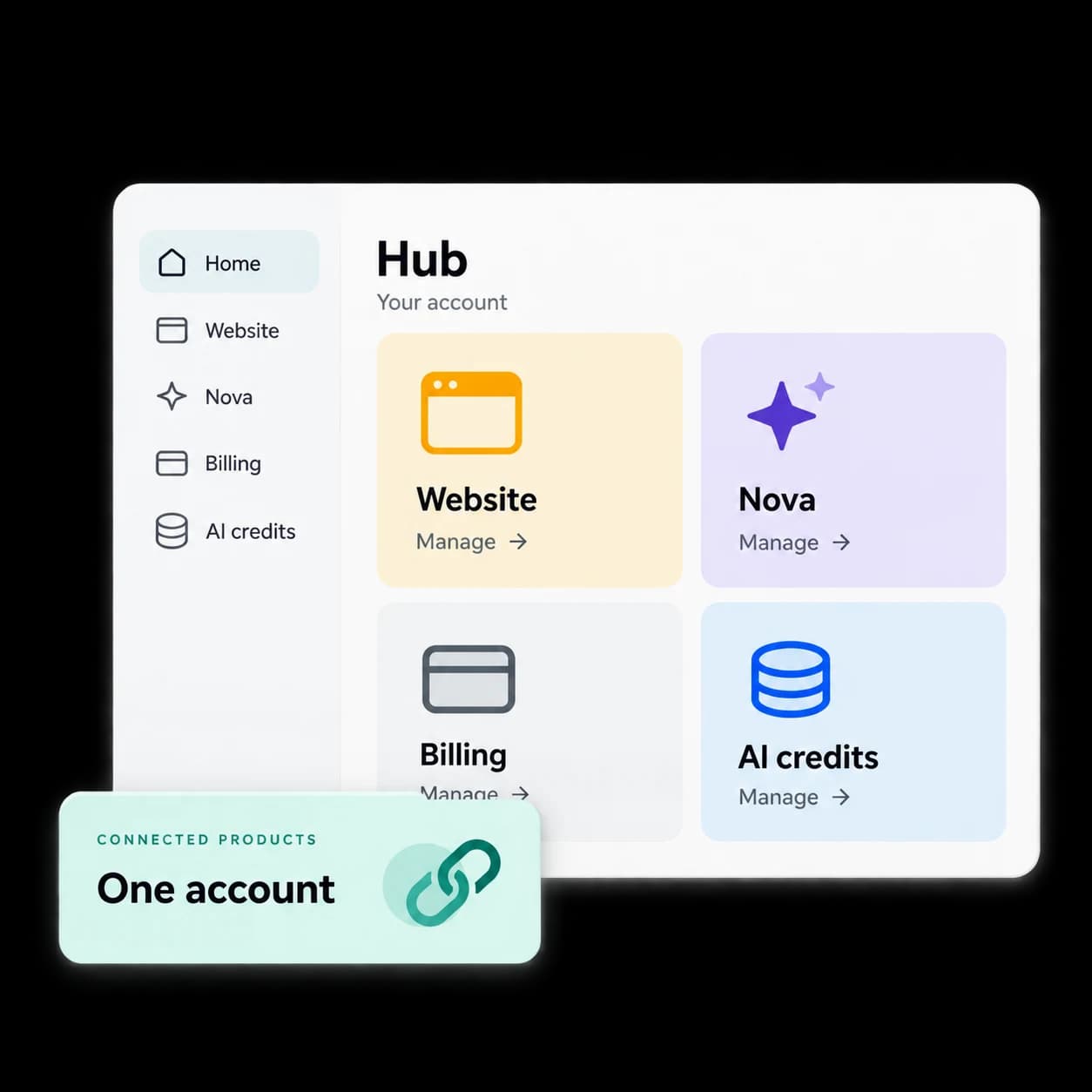
The platform, connected
Your website welcomes customers. Nova handles the first response. Hub puts your account and product controls within reach.
Your customer workspace
A shared business account links sign-in, roles, and product access. Your plan unlocks capabilities; your credit wallet supports enabled AI usage.
Rocket Launch’s team uses an internal workspace, Fuze, to manage sales and service. Hub is your customer-facing side of the relationship.
Rocket Launch CRM is a separate sales workspace for your own customer relationships. Access and integrations are confirmed before activation.
Explore CRM01 / Your website
For supported Pro websites, Hub brings your business details, services, portfolio, and articles into an editing workspace. Save a draft, check the preview, and publish with the right account permissions.
Website controls depend on your design and setup. Bespoke website changes are agreed with your Rocket Launch team.
Explore Pro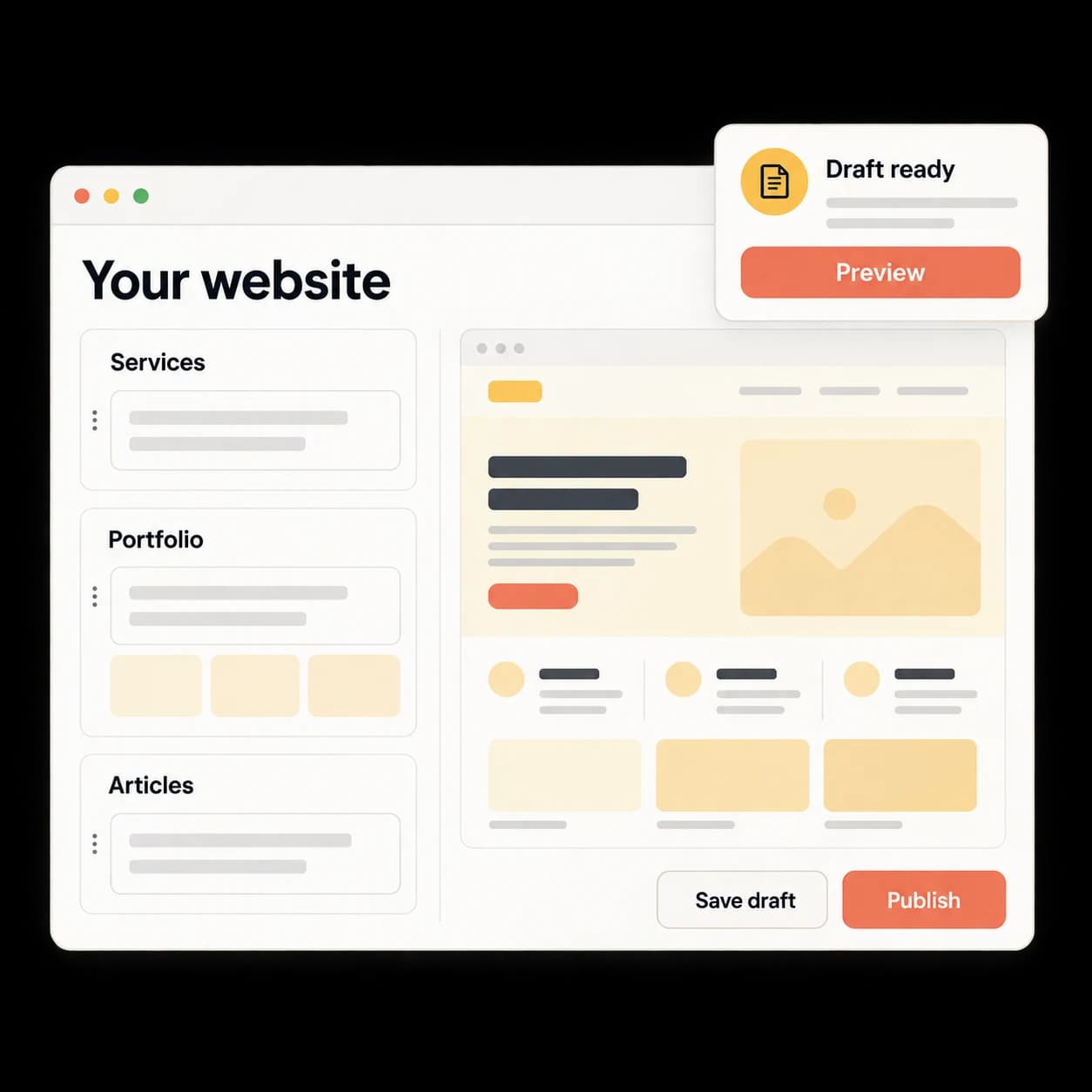
02 / Your AI assistant
Keep your assistant’s business knowledge close to the account it serves. Update its name, answers, and alert destination, then manage installation on supported websites.
Voice and other enabled channels follow your product plan and onboarding configuration.
Meet Nova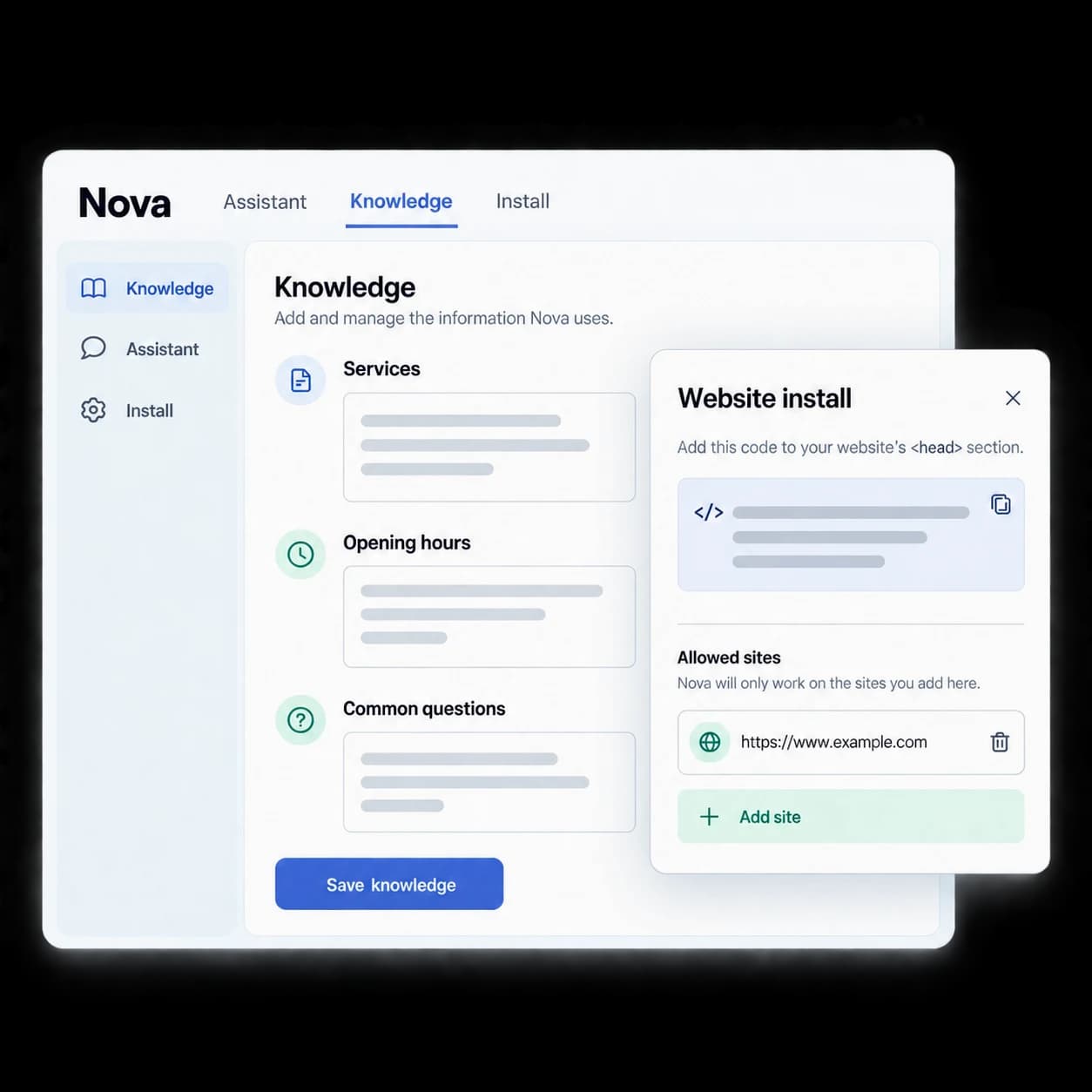
03 / Your billing & usage
See your subscription, invoices, and payment method alongside your AI credit balance. Included credits and top-ups share an account wallet for enabled AI features, so you can manage usage in one place.
Extra credits add usage. Your plan determines feature access. Auto top-ups are optional and use the limits you choose.
Compare platform plans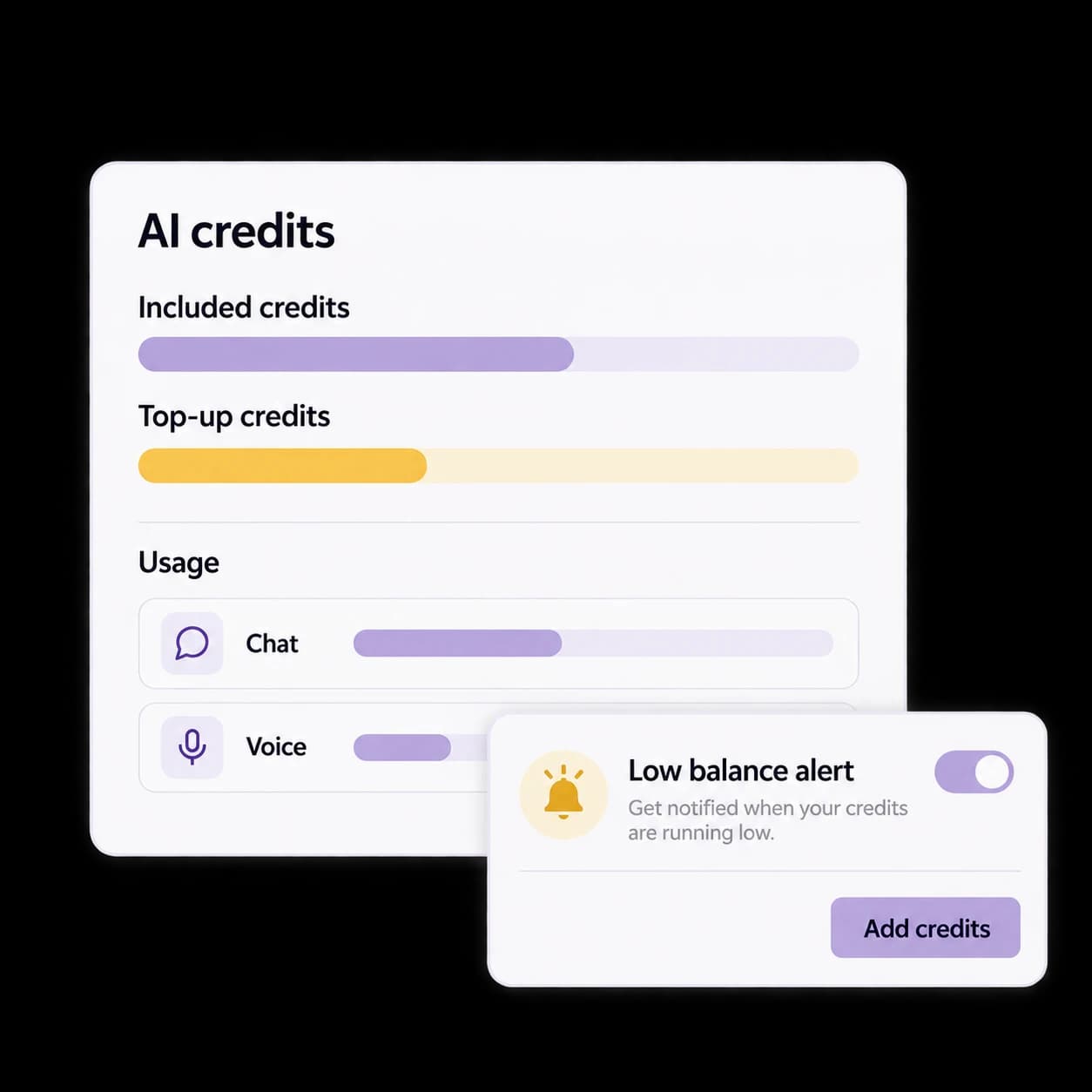
More of your account, in reach
A useful workspace includes the everyday decisions: what gets published, what you’ve agreed to, and what comes next.
Where Nova Stories is enabled, review customer submissions, manage publication settings, and connect supported Google Business Profile reviews. Review AI reply drafts before posting.
Review Rocket Launch quotes and agreed payment steps. Explore eligible add-ons for your account, with scope, activation, and any recurring charges made clear before purchase.
Broader project updates, customer messages, files, and support workflows are planned for Hub. We confirm what’s available for your account during onboarding.
Get supportGetting into Hub
Start with the product your business needs. Your Hub account connects the customer controls that go with it.
Explore Website, Pro, Nova, or Ultra. Confirm your setup, design scope, and available capabilities before activation.
Use the Hub instructions sent after checkout. Sign in with the email linked to your Rocket Launch account.
Check billing and credits, configure Nova, and use the website and review controls enabled for your account.
Know how the workspace fits before choosing your next step.
Hub is the customer workspace for your Rocket Launch account. It brings billing, AI credits, Nova settings, reviews, quotes, and supported website controls together. The tools you can use depend on your plan, account role, and activated services.
Hub is the account workspace used with your Rocket Launch services. Choose the product or platform plan you need; Hub is where you manage that account. Product subscriptions, setup or design work, add-ons, and extra AI usage have their own agreed costs.
Website is the managed website foundation. Pro and Ultra expand the platform capabilities. Hub holds your customer controls, billing, and shared AI credits; available website editing and publishing controls depend on your website implementation and setup.
They serve different workflows. Hub manages your relationship with Rocket Launch and the services on your account. Rocket Launch CRM is the customer-facing sales workspace for your own leads, contacts, deals, tasks, and follow-up. CRM availability and activation are confirmed in your scope.
Permissions follow account roles. Billing and credit settings require the appropriate management access, while viewing, editing, moderation, and publishing have their own checks. Signing in does not grant unrestricted access to every tool.
Broader project tracking, customer messages, files, reports, and support workflows are planned additions to Hub. Your Rocket Launch team confirms the tools currently available for your account. For help today, use our Support page.
Your connected workspace
Already with Rocket Launch? Open Hub to manage your account. Getting started? Find the platform plan that fits your business.